The 10 Key MDS Components: Part 2 (Advanced)
Jun 11, 2025
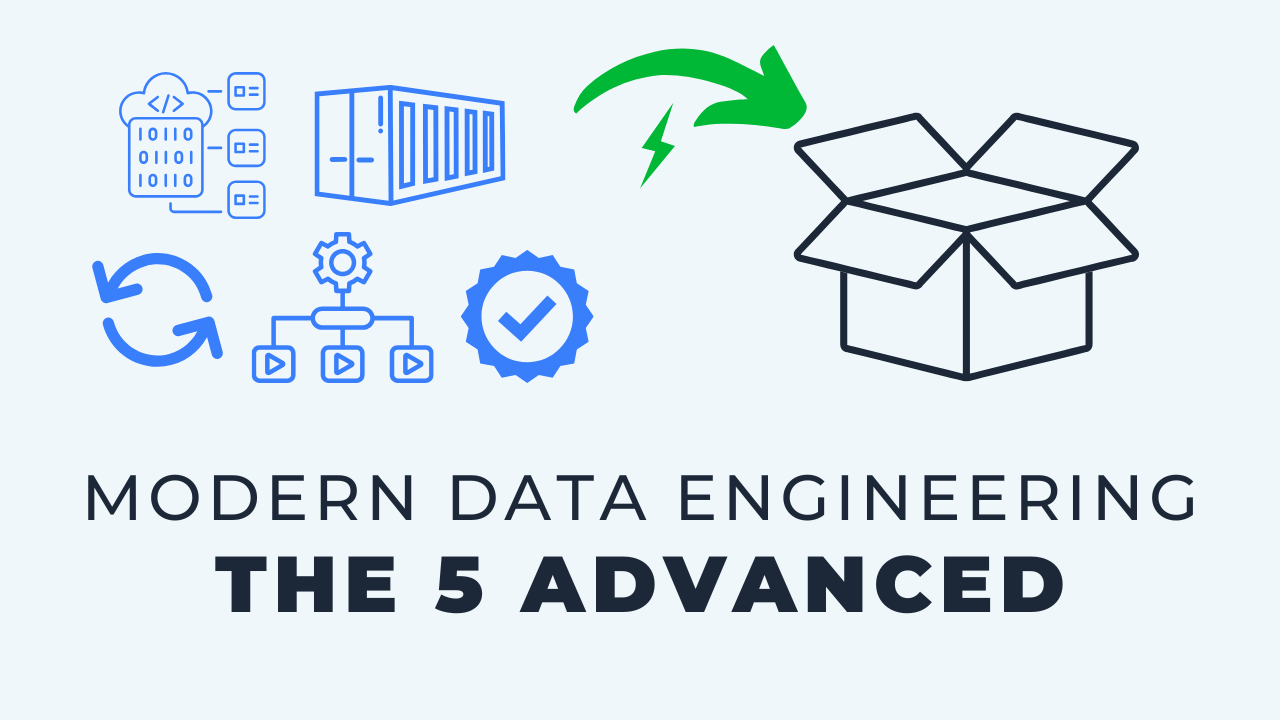
Once the five essentials are in place, five more components are worth knowing: orchestration, containers, infrastructure as code, data quality and governance tooling, and reverse ETL. I call these the advanced components, not because they are harder, but because adding them before the foundation is solid tends to overcomplicate an architecture rather than improve it. Each one solves a real problem that shows up at a certain scale: coordinating jobs, isolating environments, provisioning cloud resources in code, catching bad data, and pushing clean data back into business apps. Some teams need all five. Plenty of teams run well on three of them, or none.
Key takeaways
- Advanced does not mean better. It means add it when the essentials are already working and the problem it solves has actually appeared.
- Orchestration is the control plane over your whole pipeline. Until you need it, a scheduled job in your version control platform usually covers it.
- Containers give you isolated environments without standing up new machines. Docker is the dominant tool, and some teams never need one.
- Infrastructure as code, with a tool like Terraform, replaces manual clicking in cloud consoles and gives you a record of who changed what.
- Data quality here means the add-on tools: testing, linting, catalogs, lineage and observability, not the idea that quality comes last.
- Reverse ETL sends modeled data back into business applications like Salesforce, so stakeholders stay in the tools they already use.
A quick recap of the essentials
This is the second half of the ten key modern data components. The first five are the foundation of any solid architecture today:
- Storage and databases. You have to put data somewhere.
- Ingestion. How the data actually gets loaded into that place.
- Transformation. Business logic, formatting and modeling.
- Reporting and analytics. How the business interacts with the result.
- Version control and CI/CD. Workflow, transparency and automated deployment.
Those are covered in detail in part 1, the essentials. Get those working before you reach for anything below, or you are probably overcomplicating things too soon.
6. Orchestration
Orchestration is a separate tool or service that automates and glues the whole process together. It sits on top of everything else as a control plane.
Without a central orchestrator, the process gets hard to manage. Different things fire at different times and you lose visibility into what is actually happening.
Why it is not an essential
You can get surprisingly far without one. A simple cron job in your version control platform will run things on a schedule, which is enough for many teams for a long time.
The downside is that ingestion, transformation and a dashboard refresh all end up running at different times, with nothing coordinating them. That is not ideal long term, and it is the signal that an orchestrator is the right next step.
It does add complexity, though. So it earns its place once everything else is established, not before.
7. Containers
A container is an isolated virtual instance of an operating system used to run applications and processes. It sits on top of your existing hardware and creates a clean, separate place to run things.
The most common tool by far is Docker.
What teams use them for
- Specific runtime environments. Spin up a container, run a process in a known clean environment, and shut it down when the job finishes.
- Hosting open source tools. Run a visualization tool, or an entire database, in its own container.
- Development environments. Give everyone on the team their own containerized workspace.
The power is in creating very specific environments without the overhead of provisioning entirely new machines.
This is infrastructure rather than a data tool, and it is genuinely optional. Some teams lean on containers heavily. Others never touch them and run perfectly well.
8. Infrastructure as code
Infrastructure as code, often abbreviated IaC, means defining your cloud configuration in code instead of clicking through consoles. Terraform is the popular choice.
You can encode a database, a network, a virtual machine, database users, schemas and permissions. Then you run it, and the cloud provider builds what the code describes.
What it replaces
Picture the manual version: someone opens a console, picks the right dropdowns, types the name, fills in settings, repeats for every service. With IaC that becomes code plus one command.
Common uses include automating deployments and updates, onboarding new users, and managing roles and permissions. Configuration is often written in YAML or JSON.
The transparency argument
The real win is the audit trail. In the old pattern one admin quietly adds a user, changes a permission or resets a password and there is no record that it happened.
With infrastructure defined as code, the deployed state is visible to everyone. Combine it with version control and CI/CD and those changes get reviewed like any other code change.
No single person ends up as the bottleneck and the gatekeeper. That said, this is not required to start. Add it when the foundation is set and you need it.
9. Data quality and governance tooling
The name of this one is slightly misleading, and I would rename it if I could. Data quality is not low priority. If anything it is one of the most important things you do.
What belongs at number nine is the separate category of data quality and governance tools. They are add-ons to a process, because there are ways to manage quality long before you buy tooling for it.
How it shows up
- Automated testing at various steps in the pipeline
- Linters that check your code follows consistent syntax and style
- Documentation and lineage so you can trace where a number came from
- Data catalogs that organize metadata across the warehouse
- Observability tools that watch for the pipeline misbehaving
Example tools include Great Expectations for testing and SQLFluff for linting, alongside the catalog and observability platforms.
What is already built in
A lot of this now ships with the tools you already run. dbt has tests, and more recently catalog features and automated CI checks that understand what data has changed.
AI is making this category easier too. Tools can read the context of your code, draft documentation on their own, and write more thorough tests than most teams would by hand.
10. Reverse ETL
Reverse ETL is relatively new, and most teams can ignore it for a long time. It is still worth knowing the name, because the use case is real.
The idea: data that has already been through your pipeline, cleaned and transformed, gets sent back into a business application.
A concrete example
Say you use Salesforce and you have custom fields there that should be populated from your transformed data. Historically that was a goofy, heavily customized process to build.
Reverse ETL tools make that sync simple to configure. They pull from a specific model you have built and push it into the business app as part of the pipeline.
Why it is worth it
- Stakeholders stay in the tools they know. They work in the CRM instead of being pushed into a reporting tool for every question.
- One definition of the metric. Without it, the business user recreates the logic in their app and it quietly disagrees with yours.
- Fewer custom reports. People stop asking the data team to recreate, in a BI tool, something the business app already shows them.
It removes friction rather than adding capability, which is exactly why it is last on the list and not first.
The five advanced components, recapped
- Orchestration. Scheduling and a high level control plane over the pipeline.
- Containers. Isolated environments for runtimes, hosted tools and development, usually Docker.
- Infrastructure as code. Transparent, automated provisioning of cloud resources and permissions.
- Data quality tooling. Testing, linting, lineage, catalogs and observability as add-ons.
- Reverse ETL. Syncing modeled data back into business applications.
Together with the essentials, that is the full set of ten. The point of the list is not to collect all of them. It is to know what each one is for so you can tell when you actually need it.
Key terms
Orchestration
A dedicated layer that schedules, sequences and monitors every job in your pipeline from one place, acting as a control plane over the other components.
Container
An isolated virtual instance of an operating system that runs on top of existing hardware, used to run a process or host a tool in a clean, self-contained environment.
Infrastructure as code
Defining cloud resources, users and permissions in code so they can be deployed, reviewed and version controlled instead of configured by hand in a console.
Data catalog
A tool that organizes metadata across your warehouse so people can find a table, see its lineage and understand what it means.
Reverse ETL
Sending transformed, modeled data from your warehouse back into business applications such as a CRM, so stakeholders use the same numbers inside the tools they already work in.
Common questions
Do I need an orchestration tool for a small data team?
Usually not at first. Scheduled jobs in GitHub, GitLab or your other version control platform will run ingestion and transformation on a cadence. Move to a dedicated orchestrator when running those steps at separate times stops being manageable and you want one place to see and sequence everything.
Are containers required for a modern data stack?
No. Containers are infrastructure you can leverage, not a component every architecture needs. Some teams build their whole workflow around Docker and others never use one, and both can run a healthy stack.
Is Terraform worth it for a small team?
It becomes worth it when you are managing real cloud infrastructure and permissions for more than a couple of people. The payoff is less manual clicking and a visible record of the deployed state. Before that, the setup cost outweighs the benefit.
Do I need a data quality tool if dbt already has tests?
Often not right away. dbt tests, plus catalog and CI features, cover a lot of what dedicated tools do. Add a specialized observability or governance platform when you need lineage and monitoring across tools that dbt does not touch.
What is reverse ETL used for?
Pushing modeled data from the warehouse into business applications, for example populating custom fields in Salesforce from your transformed tables. It keeps the business user and the data team on the same numbers and keeps the stakeholder inside the tool they prefer.
In what order should I add these five?
Let the problem choose. Orchestration tends to come first because job coordination breaks earliest, then infrastructure as code or data quality tooling depending on whether your pain is provisioning or trust. Reverse ETL is driven entirely by a stakeholder need, not by maturity.
Related reading
- The 10 Key MDS Components: Part 1 (Essentials)
- A "Simple Stack" Data Architecture, Explained
- The 3-Environment Design for Your Database
- The 4-Role Security Model for Your Data Warehouse
Final takeaway
The teams I work with rarely get into trouble for missing an advanced component. They get into trouble for adding one before the five essentials were working. Know what all ten do, then add the sixth through tenth only when the problem it solves is one you already have.
Additional Free Resources
Starter Guides & Checklists
Explore additional free resources built on the same patterns I use with real clients so you can build your own with structure and confidence. Topics include data architecture, modeling and more specifically for small data teams.