The 10 Key MDS Components: Part 1 (Essentials)
Jun 05, 2025
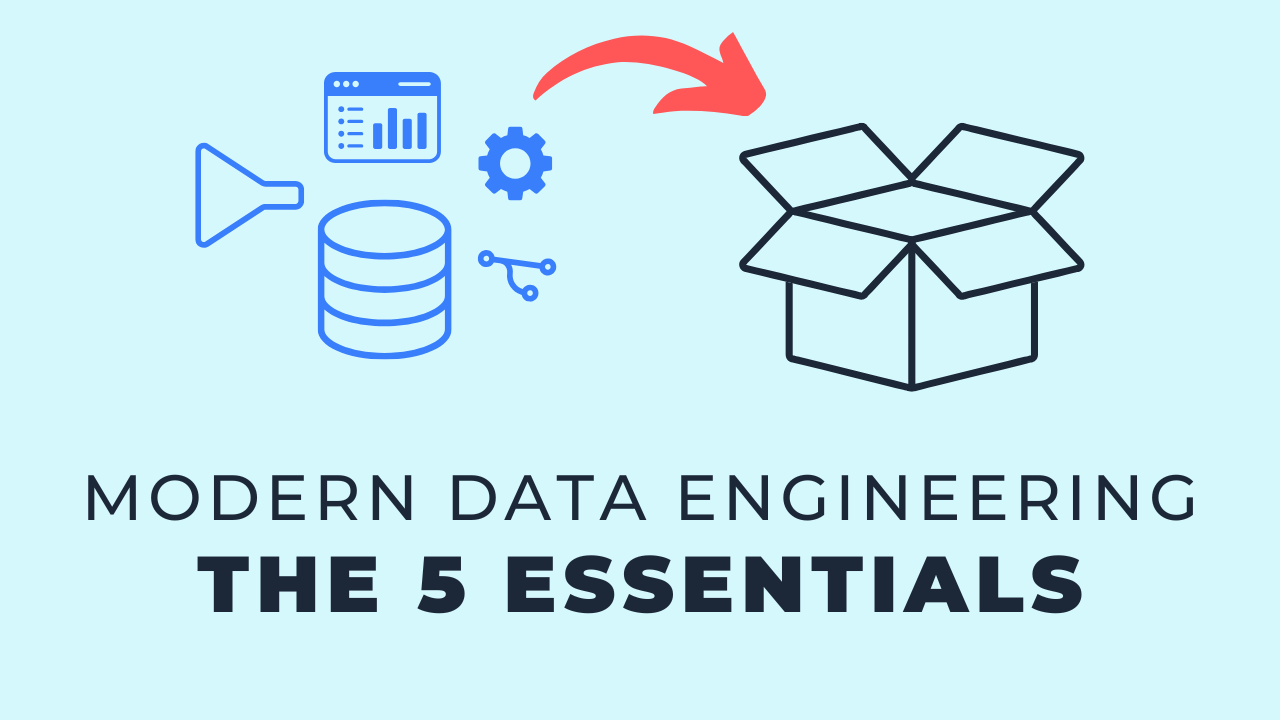
Most data architectures get complicated too early, usually because the tool list grows faster than the understanding of what each tool is actually for. The five essential modern data components are storage and databases, ingestion, transformation, reporting and analytics, and version control with CI/CD. Every working stack I have built or reviewed covers those five, whatever the brand names sitting on top. Get them in place and you have a foundation that scales, plus the vocabulary to walk into any team and follow their architecture. The other five, the advanced ones, come later and are covered in part 2.
Key takeaways
- There are far more data tools than there are data problems. Learn the five components first and the tools become interchangeable details.
- Storage and databases are the hub the whole architecture leans on. File storage holds raw and unstructured data, databases add structure, performance and security.
- Ingestion is how data moves from a source system into your storage. Batch covers what most companies need, streaming is the exception, not the default.
- Transformation is where business logic lives. Raw data on its own is rarely useful to anyone outside the data team.
- Reporting and analytics is the layer that gets the glory, because it is the only part most of the business ever sees.
- Version control and CI/CD belong together. They give you a workflow that keeps development out of production and automates the path back in.
- Five components is enough to start. Adding orchestration, containers or governance tooling before these are solid is usually premature.
Why components beat tool lists
The further you get into data engineering, the more options you discover. That is exciting, and it is also the reason so many architectures are overbuilt before they have delivered anything.
So I group the landscape into ten components, split into five essentials and five advanced. A component is a job that needs doing. A tool is one way of doing it.
The component is the part worth learning. Tools get replaced every few years. The job each one is hired for has barely changed.
1. Storage and databases
At some point you need to put data somewhere. Without that, nothing else on this list is possible.
File storage
When I say storage I mean file storage: S3 buckets, blob storage, Google Cloud Storage, a file server. Raw files of any shape get dropped there, which is why a data lake usually lives at this layer.
This is also where storage temperature shows up. Hot storage is the default and is quickly accessible. Cold storage is discounted because you are committing to not touching the data often, which makes it a good fit for backups.
Databases
Databases are what most data teams work in day to day. They add structure, organization, performance and security on top of raw storage.
There is overlap, and it depends on your design. Some teams skip file storage entirely and load straight into a database.
Example tools fall into a few buckets:
- Cloud file storage: Amazon S3, Azure Blob Storage, Google Cloud Storage
- Columnar cloud databases: Snowflake, BigQuery, Redshift and similar analytics engines
- Row based databases: Postgres, MySQL, SQL Server, often the application database or an older analytics database
- Document databases: MongoDB, Cassandra
The way I think about it, this component is the hub of all your information. Your warehouse, your data marts and your data modeling all live inside it.
2. Ingestion
You have a place to store data. Ingestion is how it gets there, moving data from a source system into your storage.
Batch or streaming
You can load on a batch schedule or stream in real time. For most of the clients I work with, batch loading is all they need.
Streaming is real and it has genuine use cases, but it is the exception. Either way, it is still ingestion, so I bucket both into the same component.
Connectors or custom code
You either buy prebuilt connectors or write your own extract and load scripts. Plenty of teams do both.
- Batch, prebuilt: Fivetran, Stitch, Airbyte
- Streaming and change data capture: Apache Kafka, Amazon Kinesis, Debezium plugged into your database for event style data
- Custom: Python scripts, or any language your team already knows
The goal does not change with the tool. Data lives all over the place, and you need it consolidated in one environment before you can do anything with it.
3. Transformation
Data is loaded. Now what? Raw data in its landed form is not much use to the business, so you transform it.
Where it fits
Transformation usually happens after the data is loaded, on a batch schedule. Real time processing, where records are transformed as they move through a stream, is the other option.
In my head this is one block with storage and ingestion, because the three are what carry data from a source to something usable. Stored data becomes models, often facts and dimensions, and then a third layer of data marts shaped for specific reporting use cases.
Why it matters
This is where real world rules and business logic get applied. It is also where you get organization and consistency, which is what makes the data trustworthy enough for someone to act on.
We are not doing any of this for its own sake. We are doing it so the business makes better decisions.
Example tools
- dbt: the most common choice now, and the one I use most
- Apache Spark: leans toward larger scale and real time processing
- Graphical tools: AWS Glue, Azure Data Factory, SSIS, Informatica, where you drag and drop pipeline components
The trend has moved toward code based tools, because they automate and customize more easily. The graphical ones are still widely used and still fine.
4. Reporting and analytics
You built the pipeline. Now the data has to reach the people who make decisions, in a form that makes sense to them.
That usually means a data visualization tool. Sometimes it is an Excel report, and sometimes the logic sits in the models themselves, since many models are designed with a specific report in mind.
This is the layer that gets all the glory. It is what everybody sees, where the insights and predictions show up, and where the value of all the earlier work finally becomes visible.
Common tools include Power BI, Looker and Tableau on the commercial side, and Metabase or Apache Superset if you want open source. Machine learning and AI tooling plugs in around this layer too.
5. Version control and CI/CD
I group these two because they are most valuable together. Version control tracks every change in a structured, transparent way. CI/CD automates deployments, tests and scheduling.
Both usually live on the same hosted platform: GitHub, GitLab, Bitbucket or Azure DevOps.
What it buys you
- Fewer collisions. Branching means people stop saving over each other's work.
- A real process. Changes get reviewed before they land.
- Faster, safer releases. Manual deployment steps get removed and you iterate more often.
- Scheduling, included. You can run jobs on a cron schedule in the same platform before you need a dedicated orchestrator.
What the workflow looks like
Each developer works on their own branch with their own storage location, separate from production. Set up well, development can read the same raw data as production while deploying somewhere else entirely.
From there the change moves to a pre production environment, call it QA, UAT or test. Promoting the code triggers automation: teammate review, automated checks, and increasingly AI assisted review of the change.
Only once that passes does it reach production. You stop saving directly to production and start earning your way there.
The five essentials, recapped
- Storage and databases. A place to put your data.
- Ingestion. A way to get data into that place.
- Transformation. Applying business logic so the data means something.
- Reporting and analytics. Putting it in front of the people who use it.
- Version control and CI/CD. Making the whole process documented, reviewed and automated.
Have those five in place and you can build, scale, or join any data team and speak to what each piece of their architecture is doing.
Continue with part 2
The next five are what I call the advanced components: orchestration, containers, infrastructure as code, data quality tooling and reverse ETL. They are worth knowing, and worth postponing until the essentials are solid.
Read The 10 Key MDS Components: Part 2 (Advanced) for the rest.
Key terms
Modern data component
A job that an architecture has to do, such as storage or ingestion, independent of which tool you pick to do it.
Storage temperature
Whether stored data is hot, meaning quickly accessible at standard pricing, or cold, meaning discounted in exchange for infrequent access.
Data ingestion
The movement of data from a source system into your storage layer, whether by batch load, stream, prebuilt connector or custom script.
Data mart
A reporting ready layer built on top of the warehouse and shaped for a specific team or use case.
CI/CD
Continuous integration and continuous deployment: automated checks and automated releases that move code from a branch to production without manual steps.
Common questions
What are the components of a modern data stack?
The five essentials are storage and databases, ingestion, transformation, reporting and analytics, and version control with CI/CD. Five advanced components sit on top of those: orchestration, containers, infrastructure as code, data quality tooling and reverse ETL. Most teams only need the first five to run a real architecture.
Do I need a data lake and a data warehouse?
Not necessarily. File storage and databases are both part of the same component, and plenty of teams skip the lake and load straight into a database. Add file storage when you have raw, unstructured or very large files that do not belong in a table yet.
Should I use batch or streaming ingestion?
Start with batch. For the vast majority of companies, a scheduled load is all the freshness the business actually uses. Move to streaming when there is a concrete decision that depends on data being seconds old rather than hours old.
Which transformation tool should a small team pick?
dbt is the common default now, and it covers transformation, testing and documentation in one place. Graphical tools like Azure Data Factory or SSIS still work, especially if your team is already fluent in them. The trend favors code based tools because they version and automate more cleanly.
Is version control really essential for a data team?
Yes. It is the component that separates development from production and gives you a record of every change. Without it, every deployment is someone editing production by hand and hoping.
Where does orchestration fit if it is not an essential?
Orchestration is the first of the advanced components. Until you need it, a scheduled job in your version control platform usually covers running ingestion, transformation and refreshes on a cadence.
Related reading
- The 10 Key MDS Components: Part 2 (Advanced)
- A "Simple Stack" Data Architecture, Explained
- Data Architecture 101: The Modern Data Warehouse
- How to Pick Tools for a Data Stack
Final takeaway
Nearly every stuck architecture I get called into has tools the team cannot explain the purpose of. Learn the five essential components first, then pick tools to fill them, and the whole thing stays explainable as it grows.
Additional Free Resources
Starter Guides & Checklists
Explore additional free resources built on the same patterns I use with real clients so you can build your own with structure and confidence. Topics include data architecture, modeling and more specifically for small data teams.