
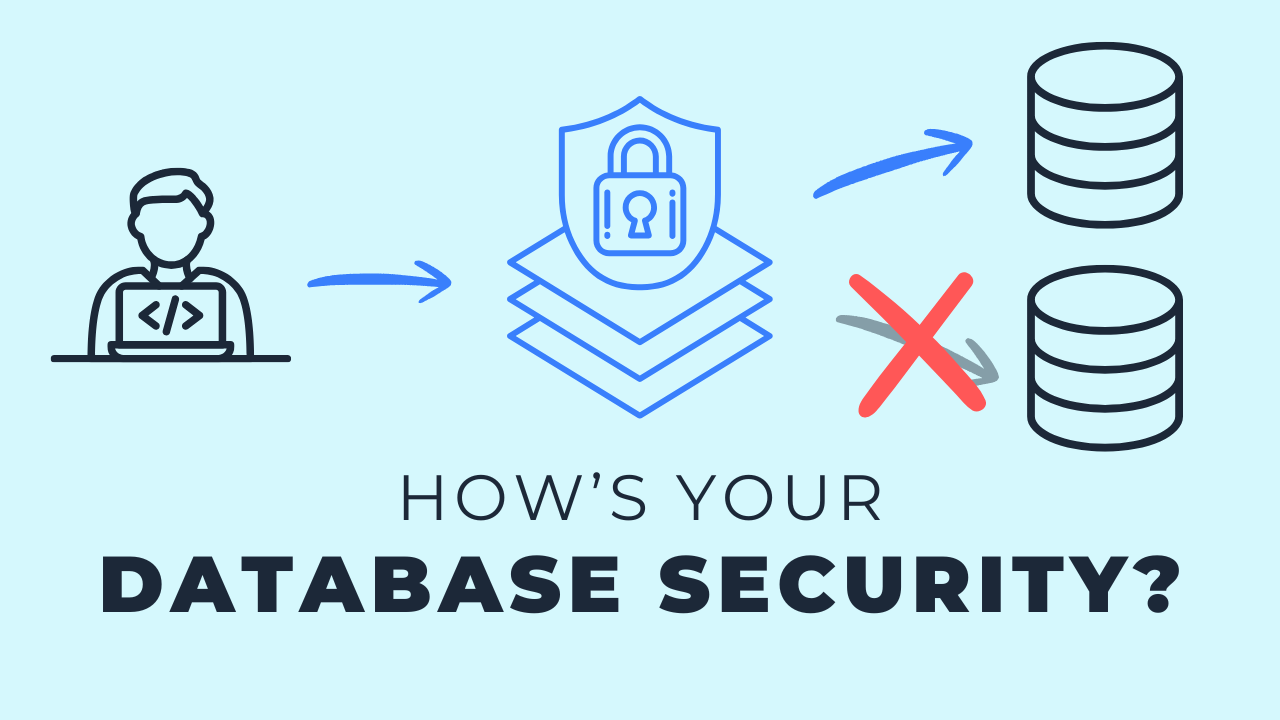
The Risks of Lazy Database Roles
Feb 04, 2026
A lazy database role is the admin user you wired into every connection because it was the fastest way to get the pipeline running. It works, which is exactly why it survives for years. The cost shows up in three places: you hand third party tools far more of your database than they need, you leave nothing standing between a developer and production, and you have no structure to hand the next person who joins. The fix is a one time setup of four named roles, loader, analyst, developer and automation, with users assigned to them. It is worth doing even if you are the only data person at the company.
Key takeaways
- Being the only data person means nobody stops you from using the admin user everywhere. That is the gift and the curse.
- A role holds permissions. Users get assigned to the role and inherit them, which is what makes access repeatable instead of improvised.
- Pointing an ingestion tool at an admin user exposes your entire database to a third party for no reason. The tool only needs the raw layer.
- Setting up roles is close to a one time cost. You create them, grant permissions, assign users, and tweak occasionally.
- Splitting the developer role from the automation role is what keeps local work from going straight to production.
- Deploying from your laptop works nine times out of ten. The tenth time is the one that costs you a day and some trust.
- Clearly named roles answer the onboarding question before it comes up. New teammate joins, you know which role they get.
The gift and the curse of free rein
One nice benefit of being one of the only data people at your company is that you have free rein over how the database is managed. No approvals, no committee, no ticket to raise permissions.
That freedom is also how the admin user ends up everywhere. It is the quick and dirty route: point every workflow at the admin account and move on to the actual work.
I understand the appeal. I am here to tell you it might not be the best strategy, even on a small team, even when it feels like something you can get away with.
What a database role actually is
Worth a quick level set, because the words get used loosely.
- Role. The database object that holds permissions. What you can read, what you can write, what you can delete.
- User. The person or system that connects. Users get assigned to a role and inherit everything that role allows.
That split is the whole trick. Define access once on the role, then hand it out by assignment instead of rebuilding permissions for every new connection.
The four roles to start with
There are four roles I recommend at a foundational level instead of leaning on admin. Each one lines up with a part of the pipeline.
Loader
Focused on data ingestion. It can create and update tables and schemas in the raw layer, and it gets no meaningful access to anything downstream.
Your dev tables and marts tables are not its business. There is no reason for an ingestion tool to reach them.
Analyst
The role your business stakeholders use, and the one your BI tool connects with. Read only on the last tables of the pipeline, meaning the marts.
A data visualization connection has no reason to create tables or read raw data. Scope it to what gets reported on.
Developer
In the middle. Developers can create their own test tables and at least read production tables, without the ability to create or update anything in production.
Automation
The role I like to have own production. Production tables get created and managed by an automated process running as this role, not by a person.
You can rename any of these or tweak the boundaries. Simply establishing them puts you in a better position than having everything tied to one admin login.
Risk 1: handing third party tools your whole database
At the base level this is about security. In most cases you do not want every tool and every user to see everything, and a generic admin connection does nothing to limit that.
The clearest example is your ingestion tool. Wiring it to the admin user is easy, and it unnecessarily exposes your entire database to a third party.
These are usually reliable, secure products. There is still no need to open yourself up to that kind of risk when the alternative is a one time setup.
Create the role, add the permissions, assign the user. Now that connection can only touch what you allowed, and it cannot accidentally interfere with or read another part of your database.
Why it never gets fixed
This sounds obvious when you say it out loud. The reason it persists is timing.
When you are getting started as a one person or small team, the admin user is simply the fastest way to make something work. Then you never go back.
Three, four, five years later you realize you are still running production pipelines on admin users scattered all over the place.
Risk 2: accidental mistakes in production
This one shows up most in the development process, and it is the reason I split the developer role from the automation role.
The obvious question is why developers cannot just have production access. Why not let them build, test and deploy with the same role? The answer is human error.
With the roles in place you can say explicitly that developers read from production and do nothing else there. That adds a little friction to anything that reaches production.
The nine out of ten problem
I have lost count of how many times I have watched a developer working locally realize they missed something in production, then push the fix straight from their local environment.
You can usually get away with it. I have been guilty of it too, so this is not a callout from the sidelines.
It works nine times out of ten. The tenth time you drop something by accident, or change something downstream you did not know about, and your stakeholders are the ones who find out.
Risk 3: no structure as the team grows
With one generic user there is no organization around database management at all.
Think about what happens when somebody new joins. What role do you give them? Are you making it up on the fly, copying whatever the last person got?
It is not the end of the world, and you can work around it. There is just a better way available for very little effort.
Names that explain themselves
The names of these roles are intentional, so it is clear what each one does:
loaderis for loading datadeveloperis for developersautomationhandles the automated workflowsanalystis for the people reading what you publish
Make them your own if you like. These are the foundational ones I recommend when there is nothing in place today.
Staying organized this way saves time and mental bandwidth, and it lets you scale because you have a strategy rather than a pile of exceptions.
Build as if the team is bigger
Even if you are the only person on the team and this feels like overkill, plan and build as though you are a larger team, or as though someone else will join at some point.
It is good practice and it keeps you structured. It also connects to everything else you are doing.
Your database roles, your data modeling and your ingestion design are not separate projects. You are building one system, and the access model is part of it.
Key terms
Admin user
A database account with full permissions on everything, often used as the default connection for every tool and workflow on a small team.
Database role
The database object that holds permissions, such as what can be read, written or deleted, and that users are assigned to.
Role assignment
Attaching a user to a role so the user inherits that role's permissions rather than receiving grants of their own.
Separation of duties
Splitting who builds from who deploys. Here it means developers own dev while an automation role owns production.
Least privilege
Giving each role only the access it needs for its part of the pipeline, and adding more only when there is a real reason.
Common questions
Is it really a problem to use the admin user on a small team?
It is a problem the day a tool, a script or a person does something you did not intend, because nothing was limiting them. The size of the team does not change the blast radius of an admin connection. It only changes how long you can postpone the cleanup.
How long does it take to set up database roles?
It is close to a one time cost. You create the roles, grant permissions, assign users, and then tweak occasionally as the architecture changes. Compare that to untangling admin connections across a pipeline that has been running for five years.
Why can't developers deploy to production themselves?
They can, and that is the risk. Local deploys work most of the time, and the one failure drops a table or changes something downstream nobody expected. Routing production through automation makes the path repeatable and visible.
Should my BI tool connect with its own role?
Yes. Give it the analyst role with read access to the marts layer only. It has no reason to create tables or read raw data, and scoping it that way also stops stakeholders from wandering into unmodeled tables.
What do I name my database roles?
Name them after what they do. Loader, analyst, developer and automation are self explanatory, which is the point: anyone new can tell what a role is for without asking. Adjust the names to fit your conventions if you already have some.
Related reading
- The 4-Role Security Model for Your Data Warehouse
- Secure Your Data Warehouse w/ 4 Simple Roles
- Why Data Security Is More Than Just Restricting Access
- The Gift & Curse of Small Data Teams
Final takeaway
Almost every small team I work with started on an admin user, and almost none of them regret the afternoon it took to replace it with four named roles. Treat the access model as part of the system you are building, not a chore to handle later, and it quietly keeps you organized as the team grows.
Additional Free Resources
Starter Guides & Checklists
Explore additional free resources built on the same patterns I use with real clients so you can build your own with structure and confidence. Topics include data architecture, modeling and more specifically for small data teams.
