Can Small Data Teams Afford a "Modern" Database?
Dec 17, 2025
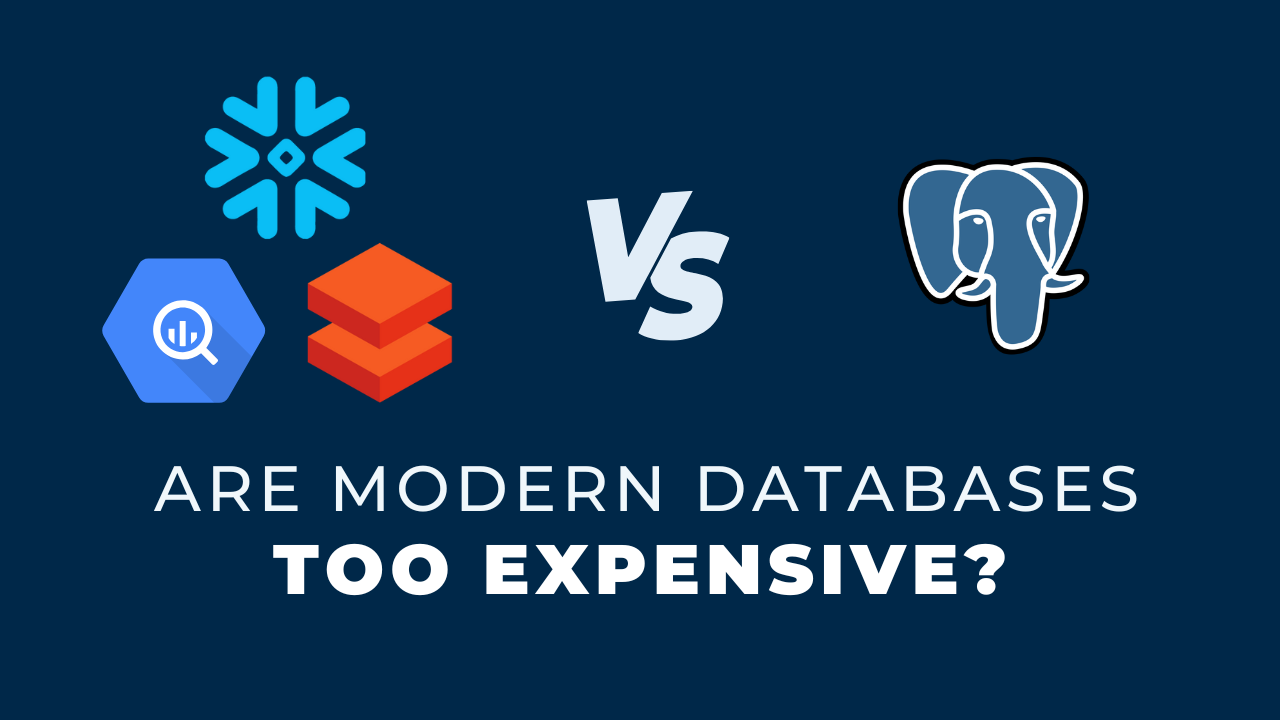
Most small data teams can afford a modern cloud database, because pay as you go pricing means you are charged for the compute you actually run, not for the full capability of the product. A team of one or two developers refreshing data once or twice a day simply does not generate much compute. The cost blows up when the configuration is wrong, not when the tool is powerful. Size your compute object small, set an aggressive auto suspend, and tie compute to database roles, and the bill stays predictable. The honest comparison is not Snowflake against Postgres on sticker price, it is total cost including the hours you spend maintaining the cheaper option.
Key takeaways
- With a pay as you go database you are not buying the whole product. You are buying the minutes of compute you actually run.
- A small team refreshing once or twice a day has only so much activity to generate. Nothing runs overnight or on weekends unless you tell it to.
- Compute size is the first lever. Extra small handles more than most small teams expect, and you can scale up a single job later.
- Automatic timeouts are the second lever. Suspend after a few minutes of inactivity and idle time stops costing anything.
- Database roles are the third lever. Tie specific roles to specific compute objects, and monitor credits by role to see where spend comes from.
- Your time has a cost. Maintaining a cheaper on premise database is a real expense that never shows up on the database invoice.
- A simple end to end design is what makes any of this manageable. If you cannot see the whole picture, you cannot control the cost.
The Ferrari and the Toyota
When you lead a small data team, picking tools is part design and probably more part budget. Leadership does not want you overspending on something you do not need.
The conversation lands on the database more than anywhere else, and I have had it with clients many times over the past year.
The analogy teams reach for
There is a comparison I hear repeatedly about Snowflake: nobody wants to buy a Ferrari when a Toyota will do. Snowflake sits on the higher end of the database landscape, and used to its full potential it is genuinely expensive.
The argument behind the analogy is reasonable. If you only need basic storage and transformation, why pay for the souped up option instead of an annual fee for SQL Server, Postgres or MySQL.
Where it breaks down
You are not buying the whole car. With pay as you go pricing you use bits and pieces as you need them, so you never commit to the full vehicle.
The same logic applies to BigQuery, Databricks, or a modern ingestion tool. The product has a high ceiling. Your usage sets the actual price.
What a small team actually consumes
Work through the real numbers for a small team and the picture changes. You refresh data once or twice a day. You have one or two developers.
There is only so much compute activity that can happen in that day. When you sign off, overnight and on weekends, nothing is running.
The fear I hear most is that the bill blows up out of nowhere. That is possible, and it is a configuration failure rather than a pricing failure.
Run the arithmetic first
Before deciding the tool is unaffordable, estimate the compute hours you would actually run. Two developers working business hours, one scheduled refresh, and a reporting layer that queries a handful of times a day.
That is a small number of running minutes. The invoice follows the minutes, not the reputation of the product.
The trade you are making
What you get in exchange for the higher ceiling is a well built product you will not grow out of. Other people can pick it up quickly, and there is less for you to manage.
None of this is a blanket statement. It is exactly why I audit a client's architecture before recommending anything, because sometimes the cheaper tool genuinely is the right call.
Lever 1: Size the compute object down
Different tools name this differently. Snowflake calls its compute object a warehouse, and you choose a size for it.
You do not need the large or extra large. Pick small or extra small and your cost per minute drops accordingly.
Extra small goes further than you think
It may not be as fast, but if your workload is not heavy it is more than enough. I have seen teams run strictly on extra small without it being a problem.
You can always scale a single job. Put the daily refresh on a slightly bigger warehouse and keep day to day development on extra small.
Lever 2: Set automatic timeouts
Compute objects are where the cost accumulates, so the other move is to stop them running when nobody is using them.
Set an automatic timeout: after 60 seconds or 5 minutes of inactivity, the warehouse goes idle. Snowflake calls that state suspended.
What that does to the bill
While it is suspended you are not accruing credits, so idle time costs nothing. One or two people on an extra small warehouse that suspends after five minutes can only rack up so much.
The story is different with five, ten or twenty developers working all day plus multiple ingestion pipelines. That volume absolutely adds up, and those are the customers these vendors make their money on.
The one trade off
A suspended warehouse takes a moment to spin back up on the next query. For a small team, that short pause is almost always worth the savings.
Lever 3: Tie compute to database roles
The lever I recommend most often is connecting all of this to your database roles. Certain compute objects get tied to certain roles, and certain users get tied to those roles.
A real example: developers can only use the extra small warehouse, so they have no ability to run something larger and more expensive.
Monitoring by role
The same structure gives you visibility. You can monitor credit usage by individual role rather than as one undifferentiated bill.
If the data loader role is suddenly burning credits, you can see it and go look. If one development role is driving the cost, that is visible too.
Ingestion tools get the same treatment: a dedicated role, a dedicated compute object, and rules around both.
The useful side effect is that cost control and access control stop being two separate projects. One structure handles both at once.
Keep the design simple
I am not saying everyone should use these tools. It is highly specific, and there are situations where a modern database is more expensive and the wrong choice.
What matters more is whether you can see the whole thing. A clear, simple end to end design means you understand where you sit in the pricing structure and how your team dynamics affect it.
The cost that never shows up on an invoice
Your time has a cost too. Hours spent maintaining a cheaper on premise database are a hidden expense that no finance review ever captures.
When the architecture is simple and you know what is happening inside it, you can move into better tools with confidence instead of hoping for the best. Keeping it simple matters whichever way you decide.
Key terms
Virtual warehouse
Snowflake's name for a compute object, the thing that actually executes your queries and the thing you are billed for while it runs.
Pay as you go pricing
A model where you are charged for the compute and storage you consume rather than a fixed annual license for the product as a whole.
Warehouse size
The capacity tier of a compute object, from extra small upward, which sets both how fast a query runs and how much it costs per minute.
Auto suspend
A setting that puts a compute object into an idle state after a fixed period of inactivity so it stops accruing cost.
Credit
The billing unit a cloud database consumes while compute is running, which can be monitored per role to see where spend originates.
Common questions
Is Snowflake too expensive for a small data team?
Usually not, if it is configured deliberately. A team with one or two developers and a daily refresh generates a small amount of compute, and pay as you go pricing bills that compute rather than the product's full capability. The risk comes from oversized warehouses and no timeout, not from the tool itself.
What warehouse size should a small team use?
Start on extra small for everything, including development. It handles more than most small teams expect. If a specific job starts to bottleneck, raise the size for that job alone and leave day to day work where it is.
How long should the auto suspend timeout be?
Short. Something in the range of 60 seconds to 5 minutes of inactivity works well for a small team. The only trade off is a brief resume delay on the next query.
Is Postgres cheaper than a cloud data warehouse?
On the invoice, often yes. On total cost, not always. A self managed database shifts the spend onto your own hours for maintenance, tuning and upgrades, and that time rarely gets counted.
Does this apply to BigQuery and Databricks too?
The specifics differ, but the principle holds. Each has its own compute unit and its own controls for sizing and idling. Find the equivalent levers in whichever tool you use and configure them before you start loading data.
How do I see where my credits are going?
Separate your workloads by database role first, so ingestion, transformation, reporting and development each run under their own identity. Then monitor credit consumption by role. Without that separation the bill is one number with no story behind it.
Related reading
- Avoid These 5 Costly Mistakes (as a small data team)
- The Gift & Curse of Small Data Teams
- Data Architecture 101: The 5 Key Questions
- The Modern Data Viewpoint (3 Principles)
Final takeaway
This is the conversation I have with almost every small team I audit, and it almost never ends with the tool being unaffordable. It ends with a few configuration decisions nobody had made yet. Get the design simple and the levers set, and the cost question answers itself.
Additional Free Resources
Starter Guides & Checklists
Explore additional free resources built on the same patterns I use with real clients so you can build your own with structure and confidence. Topics include data architecture, modeling and more specifically for small data teams.