What does data "Workflow" even mean? (3 examples)
Oct 29, 2025
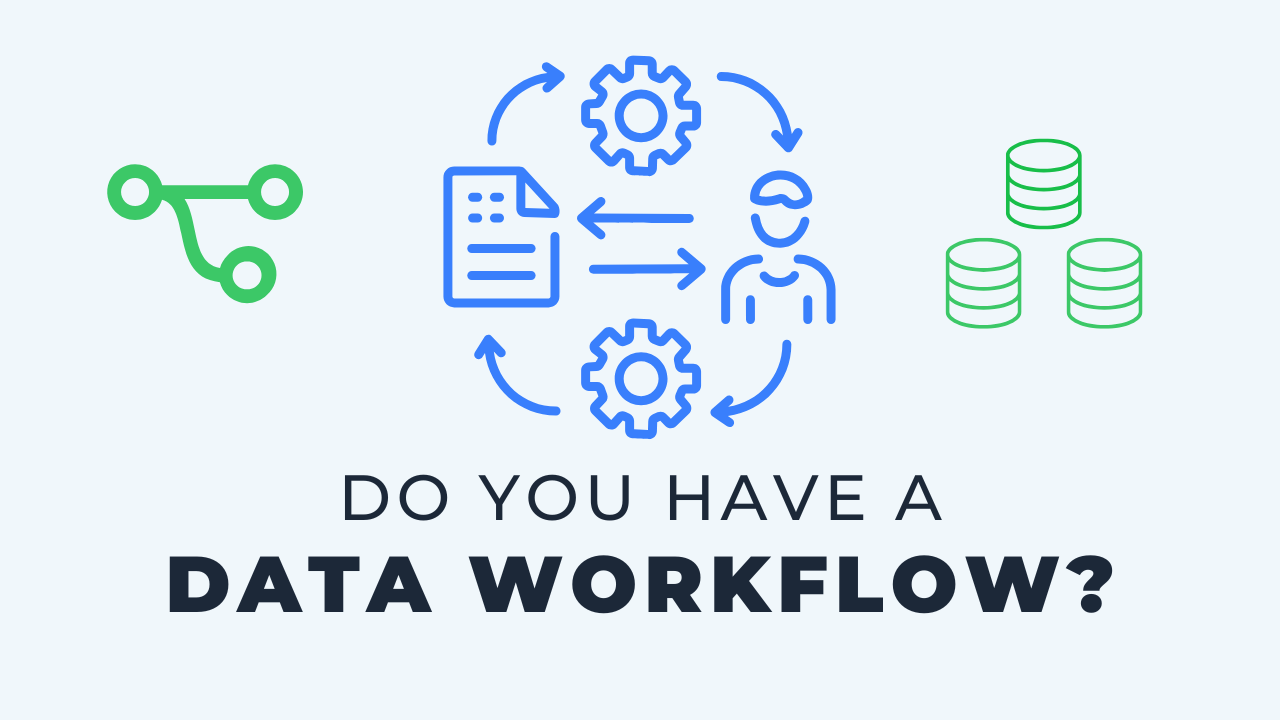
A data workflow is the strategy and process that sits between your tools: how a change moves from a developer's hands to the production tables stakeholders use. It isn't a specific tool or a line of code, which is why many teams, especially small ones, never define one. When I say workflow I mean three things. Environments, so development, testing and production are separated and clearly named; Git development, so changes happen on branches, in small commits, and merge into main through a process; and automations, the pull request checks and CI/CD jobs that tie the first two together. With all three in place a change can go from development to production in under an hour, with checks along the way.
Key takeaways
- Workflow is the glue between your tools. It's a process, not a product, which is why it's easy to overlook.
- There are three foundational environments: development, a test environment in the middle (CI, test or UAT), and production.
- Environment separation is worth it even for a one person data team. It keeps you organized and ready for the next hire.
- Naming conventions matter because the same object can exist in every environment. Prefix schemas and roles so nothing gets confused.
- Git development means a main branch, a separate branch for every change, and a merge process back into main.
- Commit early and often. One massive commit makes it hard to find or undo a specific change later.
- Automations on pull requests deploy and test your changes in the test environment. That is what CI/CD actually means.
What I mean by workflow
When I review a team's data architecture, workflow is one of the areas I spend the most time on. It's not a specific tool or a specific line of code. It's the strategy and process in the middle.
That makes it a bit gray, and it blends between tools rather than fitting neatly inside one. But it's incredibly important, especially for teams migrating to a more modern approach. Here are the three things I think about.
1. Environments
The first thing that comes to mind is environments. Over the last five to ten years this has become much more prominent in data work.
Most people have a development environment and a production environment. Nowadays it's important to also have something in the middle: CI, which stands for continuous integration, or a test environment, or UAT.
Software developers have pretty much always worked this way. Data people just didn't for a long time, and even today plenty of small teams have code that goes straight to production. Save something and immediately everybody can see it.
The three I always recommend
- Development. A safe space for each developer to build, test and drop things without impacting anybody else or the live version. I recommend this even for a one person team. It keeps you organized and sets you up for when someone else joins.
- Test, in the middle. Call it CI, test or UAT, user acceptance testing. The name doesn't matter. It takes what you built in development and tests it one more time, often through automations, before it reaches production.
- Production. The live version of everything. It's what stakeholders see, it's connected to reports, and it's updated every day.
Naming conventions
One more note on environments. You'll have the same objects in different environments, so they need to be isolated and clearly named. Schemas might carry a prefix, roles might follow a specific convention. It should all tie together.
It sounds basic when you say it out loud. A lot of teams still miss it, and I think that's because environments don't belong to one tool. They're part of the glue of your architecture.
2. Git development
Git is a process for managing the history and changes of a codebase. Most data tools today are code based, and even the ones that aren't usually have some element of version control.
GitHub, GitLab, Bitbucket and Azure DevOps are the common platforms. Under the hood they're all managing Git projects.
The branch and merge process
At a high level you have a main branch. Call that production. When you develop a new change or fix a bug, you create a separate branch, make the changes there, and go through a process of merging it back into main.
Some teams have very particular conventions for branch names so they tie into other parts of their tooling. The specifics matter less than having a process at all.
Commit early and often
One of the first things I was taught in my career was to commit early and often. A commit is like saving your changes, with a note attached. Frequent commits give you a tracked history of very specific changes, easy to go back to or undo.
The common mistake is letting changes build up into one massive commit. It feels easier in the moment, fewer commits and fewer messages. But it makes it much harder to pick apart an individual change later.
A single file, or a single line, can go through several iterations before it's done. Sometimes you want to see those iterations again, and small commits are the only way you can.
Even if it's just you
Small teams tend to overlook this or get lazy with it. A version controlled project isn't helping you if you save directly to main every time or go around the process. You're missing half the value.
Keep yourself honest here. It's a foundation for you and for the future of the project.
3. Automations
Automations put a bow on the first two. Environments and Git development each work on their own, but automation is what ties them together.
Pull request checks
When you request to merge a branch, a pull request on GitHub or a merge request on other platforms, you can kick off automations. A new request triggers a job that deploys those changes to the test environment.
You've been building in dev. Now it builds again, as a separate check, in pre-production. You can have it deploy, run tests, or whatever else you want. The point is that it's part of the workflow, not an extra step somebody remembers to do.
What CI/CD means
This is where the term CI/CD comes from. Continuous integration is the ability to keep making changes and test them in that pre-production environment automatically. Continuous deployment carries the approved change through to production.
You don't have to wait for some big release night. You can release continuously.
The release night I remember
When I started in data, and in software before that, everything was saved up for a release. We'd all be at the office until ten or midnight, push everyone's changes through at once, and test live before people came back in the morning.
When the data world first started moving to continuous releases it seemed like a magic trick. Now it's not only commonplace but expected.
With this automation in place, a change can go from development to production in under an hour. That is the practical payoff of all three pieces working together.
Putting the three together
Environments, Git development and automations. Each one is useful on its own, and together they establish a workflow for your data development.
You may not get it done overnight. It's still the direction I recommend heading, and the three sections above make a reasonable checklist for comparing against what you have today.
Key terms
Environment
A separated copy of the database objects, such as development, test and production, so that work in one cannot affect another.
UAT
User acceptance testing, one name for the test environment that sits between development and production.
Main branch
The branch in Git that represents production. Changes are made on separate branches and merged in through a process.
Commit
A saved set of changes in Git with a message attached. Small, frequent commits make individual changes easy to find and undo.
Pull request check
An automation triggered when a merge is requested that deploys and tests the change in the test environment before it reaches main.
Common questions
What is a data workflow?
It's the process a data team follows to move a change from development to production. The core pieces are separated environments, Git development on branches, and automations that test changes before they go live. It's a strategy that spans tools rather than a feature of any one of them.
Do I need a test environment if I only have one developer?
Yes, and it's the one most small teams skip. The test environment is where an automation rebuilds and checks your change independently of your dev work. Having it in place also means the process is ready when a second person joins.
What is CI/CD in data engineering?
CI, continuous integration, is automatically building and testing changes in a pre-production environment whenever a pull request is opened. CD, continuous deployment, is automatically pushing the approved change to production after it merges. Together they replace the big release night with small, frequent releases.
How often should I commit in Git?
Early and often. Commit each specific change with a short message rather than saving up a day's work into one commit. That way every change is tracked on its own and easy to find or revert later.
What is the difference between development, CI and production environments?
Development is each developer's own space to build and break things. CI, also called test or UAT, is where a pull request's changes are rebuilt and tested automatically. Production is the live version that reports and stakeholders depend on.
Related reading
- The Art of Data Team Workflows
- Modern Data Workflows, Explained
- Don't Overlook Workflow (as a Small Data Team)
- Why Data Teams Need Version Control
Final takeaway
When I audit a small team's architecture, workflow is usually the gap, not the tools. Separate your environments, work on branches with small commits, and let a pull request trigger the test build. That's what lets a small team move fast without breaking production.
Additional Free Resources
Starter Guides & Checklists
Explore additional free resources built on the same patterns I use with real clients so you can build your own with structure and confidence. Topics include data architecture, modeling and more specifically for small data teams.