What is an "Analytics" Database?
Apr 09, 2025
An analytics database is a database designed to read and aggregate over very large volumes of data, usually cloud based and usually columnar, with Snowflake and BigQuery as the common examples. An application database is the opposite design: a row based transactional system like Postgres or MySQL, built for a high volume of small fast reads, writes and updates behind an application. The split comes down to how data is stored. Row based engines read whole records one at a time, which is perfect for pulling up one customer. Columnar engines read only the columns a query touches, compress them, and scan enormous ranges quickly, which is what analytics actually needs. You can technically use either for the other job, but each one is bad at the other one's work.
Key takeaways
- An application database is a row based OLTP system such as Postgres, MySQL or SQL Server, designed to power an application.
- An analytics database is columnar and usually cloud based, designed to scan, compress and aggregate over large volumes.
- Row based storage reads every row to find information. Columnar storage reads only the columns the query asks for.
- Running analytics on your application's database risks a bottleneck that makes the application itself slow for real users.
- Highly normalized application schemas require a lot of joins, which is exactly what a columnar database is worst at.
- Building your own model lets you flatten, pre-join and pre-aggregate, so you are not at the mercy of source system changes.
- Using Postgres or SQL Server for analytics is genuinely doable at small data sizes. It stops being doable as sources multiply.
What an application database is
For a lot of companies, the primary source of data is one in-house application, and the data team ends up working against its back end database. That database has a specific job.
An application database is a traditional transactional, row based database. Postgres and MySQL are the classic examples. These are OLTP systems, meaning online transaction processing.
What it is good at
- Quick reads and quick writes
- Small transactions and individual record updates
- Serving one user's or one customer's information to a screen
- Capturing submissions from forms and windows in the application
It is purposely designed to be the back end that powers an application, whether that is web based, desktop or something else.
What its schema looks like
Application schemas have many tables, each for something very specific. You will typically find an orders table and an order type table, a product table and a product type table, and so on down the line.
That normalization is correct for the job. It keeps writes cheap and keeps the same value from being stored in two places.
What an analytics database is
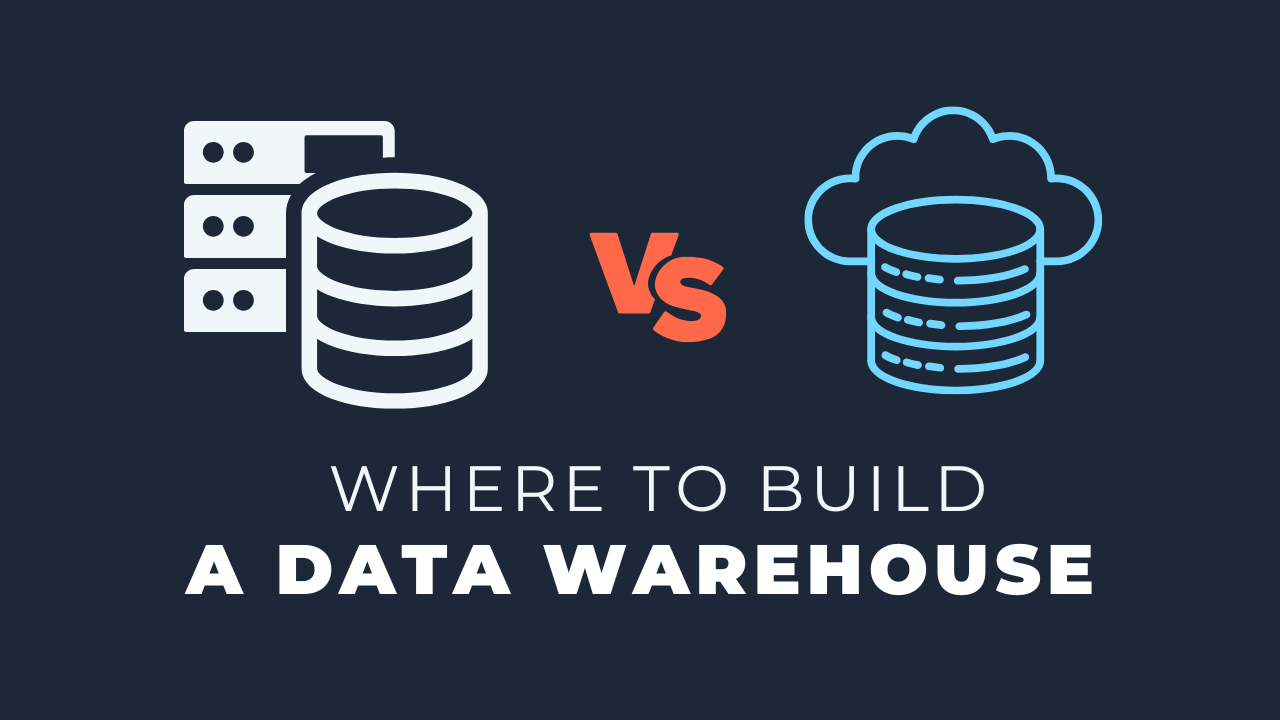
The analytics version is a different shape entirely. When I say analytics database, I mean the cloud based, column based platforms.
Column based describes how the data is physically stored. Row based means the data is stored and read in whole rows, so getting information means reading each individual row.
Why columnar changes the math
A columnar database reads a very large volume of data by looking only at the specific columns a query needs. It can compress those columns, work out the unique values, and scan through them fast.
That is great for aggregation. It is not well suited to small individual transactions across many tables with a lot of joins.
It is a completely different approach with a completely different purpose, and that is the whole point of the comparison.
You can break the rule, but
Nothing stops you from using one for the other. It is not illegal and the tool will not refuse.
You could set up an application on Snowflake or BigQuery if you really wanted to, and I would not recommend it, because that is not what they are designed around.
Going the other way, plenty of companies run analytics on MySQL, Postgres or SQL Server. Depending on the size of your data, that is absolutely doable.
Why not just use the application database?
This question comes up with potential clients regularly, and it is a reasonable one. The database already exists, the data is already in it, so why add another one.
Three reasons, in the order they usually bite.
1. Performance, and who feels it
Assume you put everything on the exact same server and the exact same database. That engine is now serving the application and absorbing the analytics load at the same time.
Reporting tools are pulling from it. Developers are querying it. You have a good chance of creating a bottleneck.
The business impact is not a slow dashboard, it is a slow application. A developer or a BI tool reading or updating a large amount of data at once hits the same engine a real user is waiting on.
Think about who is competing for that engine on a normal Tuesday:
- Customers using the application, expecting instant responses
- A reporting tool refreshing dashboards on a schedule
- Analysts and developers running exploratory queries by hand
- Whatever scheduled jobs you have reading the same tables
2. Schema design
The common pushback is reasonable on its face: the tables are already there, with relationships. Why reinvent them? Why do I need a dim_products table when I already have a products table and a product type table?
That opens a bigger conversation about data modeling, but there is a concrete answer. Highly normalized tables mean a lot of joins to assemble anything useful.
Columnar analytics databases are specifically not optimized for that. The more data you have, the more those joins fight against the reason the database exists.
3. You lose control of your model
If you mirror the application schema, you are at the mercy of the application to run your analytics. A change in the source system throws off everything downstream.
Building a separate data model puts you back in charge. You can flatten things out, pre-join them and pre-aggregate them to suit how people actually ask questions.
It also gives you somewhere to absorb change. When the application team renames a column, you adjust one transformation instead of hunting through every report that referenced it.
The reason that matters most: scale
If you are investing in a real data architecture and a pipeline, you are probably not going to stay at one application forever.
A second system shows up, then a third. CRM data, finance exports, a vendor feed, marketing platforms.
The volume scales and the variety scales with it. That is the strongest argument for moving analytics onto a columnar, large-data-focused database, and particularly off the server hosting your application.
Think about it in terms of transactions, schema design, update patterns and scale of data. Weigh those four and the right home for your analytics usually picks itself.
Key terms
Analytics database
A columnar, typically cloud based database built to store, read and aggregate over very large volumes of data rather than handle individual transactions.
Application database
A row based transactional database that powers an application, optimized for high volumes of small fast reads, writes and updates.
OLTP
Online transaction processing, the workload pattern an application database is designed for: many small operations against individual records.
Columnar storage
A storage layout where values are grouped by column rather than by row, so a query scans and compresses only the columns it needs.
Normalized schema
A design that splits data into many specific tables to avoid duplication, which suits an application but forces many joins for analytics.
Common questions
Can I use Postgres as my analytics database?
Yes, and at small data sizes it works fine. Many companies do exactly this. The point where it stops working is when the volume grows or you start adding sources beyond the original application.
What makes columnar databases faster for analytics?
They only read the columns a query touches instead of every row, and they compress those columns heavily. For an aggregation over millions of records across a few columns, that is a dramatically smaller amount of data to move.
Is it enough to put analytics on a read replica of my app database?
A replica solves the performance problem, which is real progress, but it leaves the other two. You still inherit the normalized schema and you still have nowhere sensible to put a second or third source system.
Why remodel the data if the relationships already exist?
Because an application schema is optimized for writing, not for reading at scale. Flattening, pre-joining and pre-aggregating gives you faster queries and insulates your reporting from changes in the source system.
Which analytics database should a small team pick?
Snowflake and BigQuery are the common choices and either is reasonable. Pick based on the cloud you already use and your pricing model, not on feature comparisons, because the core columnar behavior is similar across them.
Related reading
- Can Small Data Teams Afford a "Modern" Database?
- Data Architecture 101: The Modern Data Warehouse
- Lessons Going From Snowflake to BigQuery
- A "Simple Stack" Data Architecture, Explained
Final takeaway
This question comes up with almost every client whose data starts and ends in one in-house application. Separating analytics onto its own columnar database is the move that keeps the application fast today and leaves room for the second and third source you have not added yet.
Additional Free Resources
Starter Guides & Checklists
Explore additional free resources built on the same patterns I use with real clients so you can build your own with structure and confidence. Topics include data architecture, modeling and more specifically for small data teams.